














PROJECT PLANNING
When your project has outgrown your to-do list
When a project has deadlines, notes, ideas, appointments, and approximately 47 little things that need to happen, one long list stops being very helpful.
A project planner helps you see the whole thing, break it into smaller steps, and figure out what actually needs your attention next.
And when your project plan lives alongside the rest of your life, you can see when you're actually going to do those things, too.
A project planning system really only needs to help you do four things:
See the whole thing
What are you trying to accomplish, and when?
Break it down
Turn the big project into smaller pieces you can actually do.
Know what's next
See what needs your attention now and what can wait.
Make room for it
Fit those next steps into the life you're already planning.
how do you like to see your plans?
We have lots of planner layouts to choose from. For project planning, we'd show you Rose if you want the big picture and Nancy if you want to get into all the details.

I WANT TO SEE THE BIG PICTURE
Meet the Rose
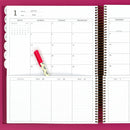
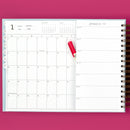
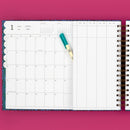
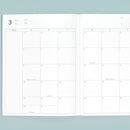
The Rose gives you a large, full-spread monthly calendar with four columns on the right and no weekly pages.
Use those columns for different projects, parts of a project, areas of responsibility, or whatever categories make sense to your brain, while the monthly calendar keeps the bigger timeline in view.
Choose The Rose if you want to see the big picture, organize the moving pieces, and skip the weekly pages.

I NEED TO GET INTO ALL THE DETAILS
Meet The Nancy
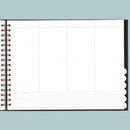
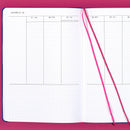
Nancy keeps your month and week visible together, with room for the lists, notes, appointments, follow-ups, and project details that accumulate along the way.
When a project gets busy, you can zoom in and micromanage all the things: what needs to happen this week, what needs to happen next, and where those little details are going to fit.
Choose Nancy if you want the big picture AND a weekly place to manage the details.
Still not sure which Laurel Denise layout fits the way you think?

so... how do I manage a project in a planner?
see it all
Start with the big picture: your end goal, important dates, deadlines, and anything else you need to keep in view.
Break it down
Use notes, lists, or project-planning inserts to turn the big project into smaller tasks and next steps you can actually tackle.
Pick what's next
Pull the tasks that need your attention now into the part of your planner you look at and use most often.
Make room for it
Use your calendar or schedule to decide when you’ll actually work on those next steps alongside everything else you have planned.
And if your project needs more room than your planner gives you?
That’s what inserts are for.

give your project its own place
Maybe you already have a Laurel Denise planner you love. Or maybe you're building out a new one with all the project-planning goodness from the start.
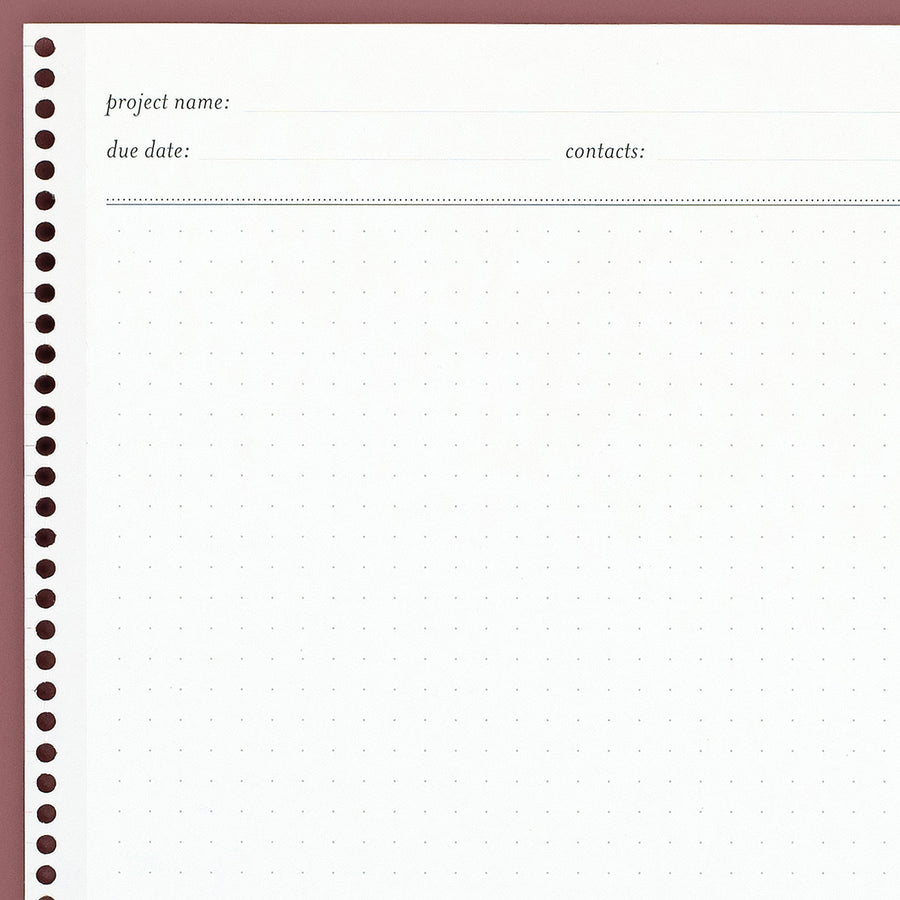
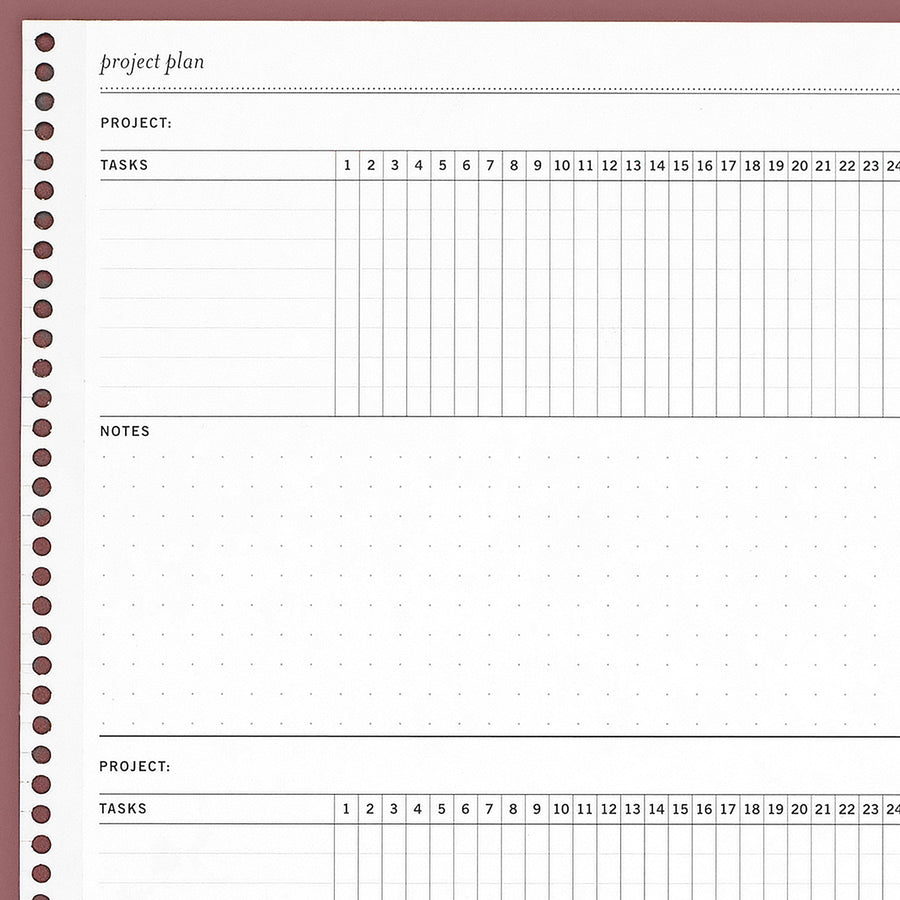
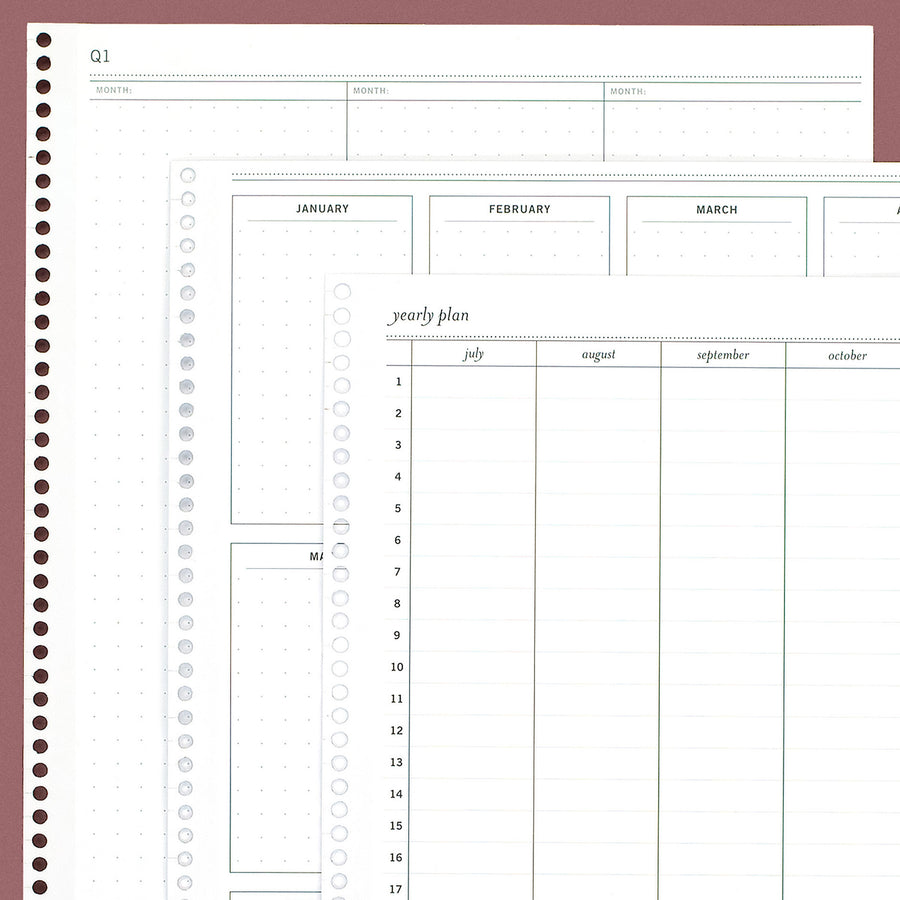
Our project planning inserts give you extra space to break things down, map out timelines, track next steps, or zoom out on something that's going to take a while.
When you find the insert you want, choose your planner and size on the product page to get the right fit.
Okay, what insert does my project need?
Start with where your project feels a little stuck.
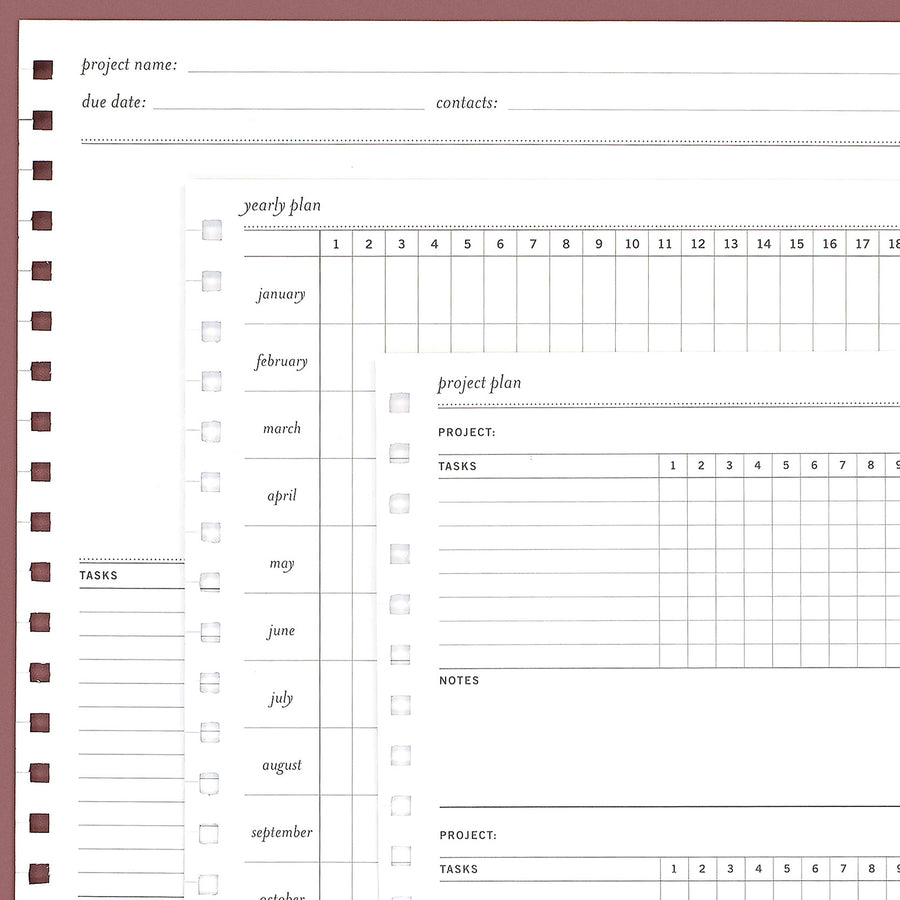
Little extras that make planning a project easier

Keep changing plans flexible
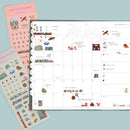
Sticky notes let deadlines, reminders, and next steps move when your project does.

figure out what matters first
Get everything out of your head, then decide what needs your attention.

Find time for your project
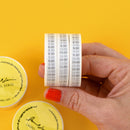
Time Washi helps you see where project work fits alongside everything else.
Want to see how project planning works on paper?
How to Use the Project Break Down Insert Pack
Plan Your Week Smarter with Sprint Planning
What is the Kanban Technique?
Tips for Time Management
FAQ
Absolutely. If you're personally responsible for managing a project, a paper planner can help you see the big picture, organize tasks and deadlines, decide what's next, and keep the project visible alongside the rest of your life.
If you're coordinating assignments, files, approvals, and updates across a team, project management software will probably make more sense.
We'd look at Rose and Nancy first, and the biggest difference comes down to how much planning structure you want.
Rose has a large full-spread monthly calendar with four columns on the right and no weekly pages. She's a great fit if you like organizing things into categories and don't need, or don't want, weekly planning pages.
Nancy keeps your month and week visible together and includes weekly pages, giving you more room to manage all the details as a project moves along.
Yes, as long as you have a compatible insert-friendly planner. You don't need to use Rose or Nancy to add project-planning space to your system.
Our inserts come in different sizes for different Laurel Denise planner layouts, so be sure to choose the option that matches your planner and size.
Snap-in inserts aren't compatible with our sewn or bookbound planners because of their binding.
Start with the Laurel Denise planner you use and its size. Our inserts are sized for specific planner layouts and sizes, so you'll choose the matching option on the insert's product page.
Not necessarily. If you're managing a home project, event, goal, side hustle, work project, or something else where you're personally responsible for most of the moving pieces, a paper planning system may be all you need.
If several people need to assign tasks, share files, manage approvals, or see live project updates, software is probably the better tool.
Start by getting everything you already know out of your head. Then look for anything that's still too big to comfortably put on a to-do list.
“Plan the event” is a project. “Email the caterer” is something you can actually do.
Keep breaking the project down until you can see the next actions you can schedule, complete, or hand off.

100,000+ Happy Customers
Trusted by thousands to bring organization and clarity to their days.
Giving Back
We donate planners to those in need, helping communities stay organized and inspired.
Hassle-free Returns
Confidence in every purchase - easy 30-day returns on unused products.
Explore the creativity of our incredible community! Tag us on social media with #laureldenise and follow us for exclusive content and promotions!